
Draw on your screen.
Any app. One click.
OnDraw adds a drawing toolbar to every app on your Mac, so you can point, circle and number things while you record.
One-time purchase on the Mac App Store. Requires macOS 14 or later.
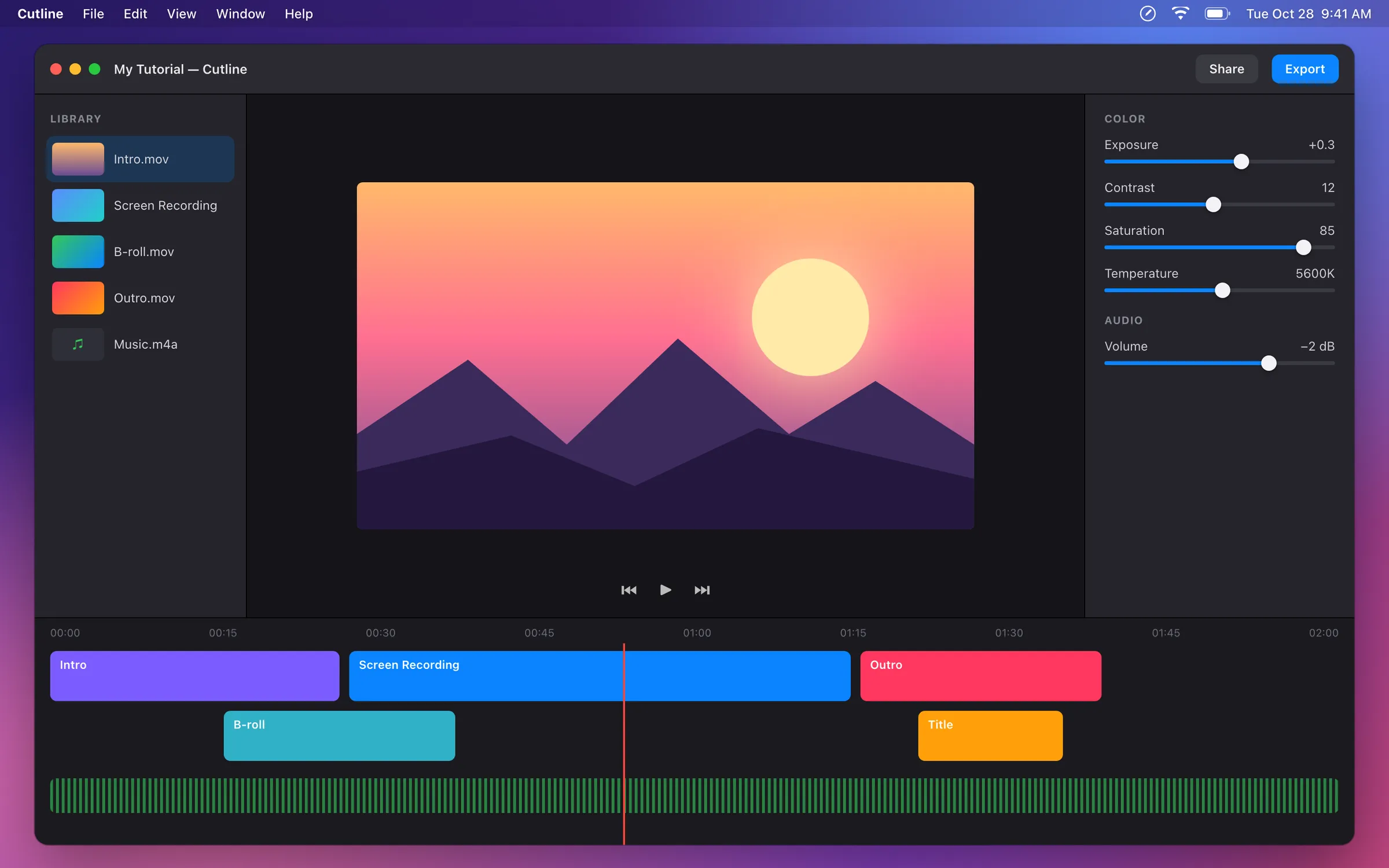

Draw
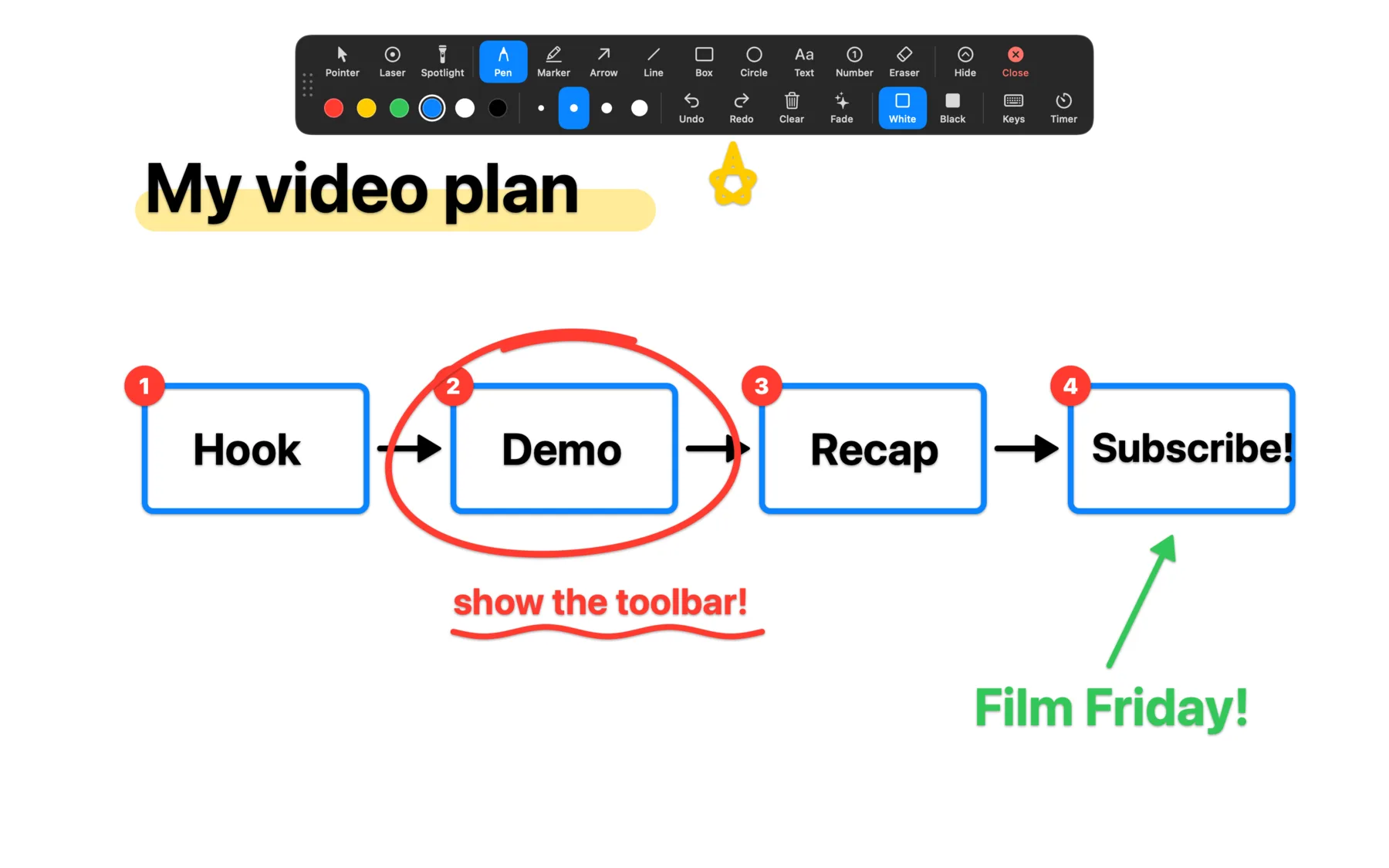
Point at anything.
Arrows, boxes, circles, a marker and text labels go right on top of the app you're showing. Step numbers count 1, 2, 3 on their own, so viewers always know what comes next.
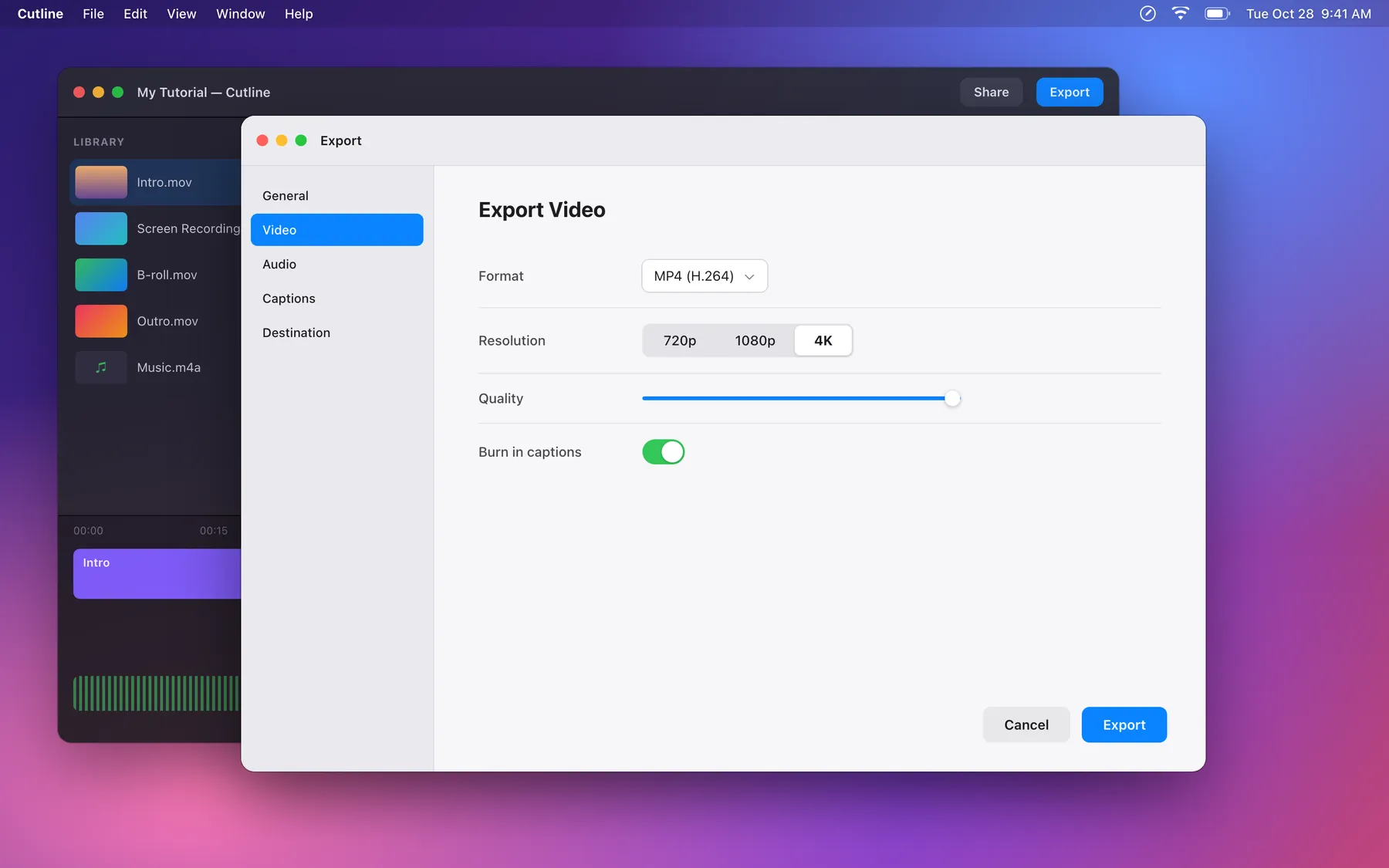
Spotlight
A cursor no one can miss.
Dim everything around the pointer, switch to a laser with a trail, or add a ring and click ripples.
Move your pointer over the screen to try it.
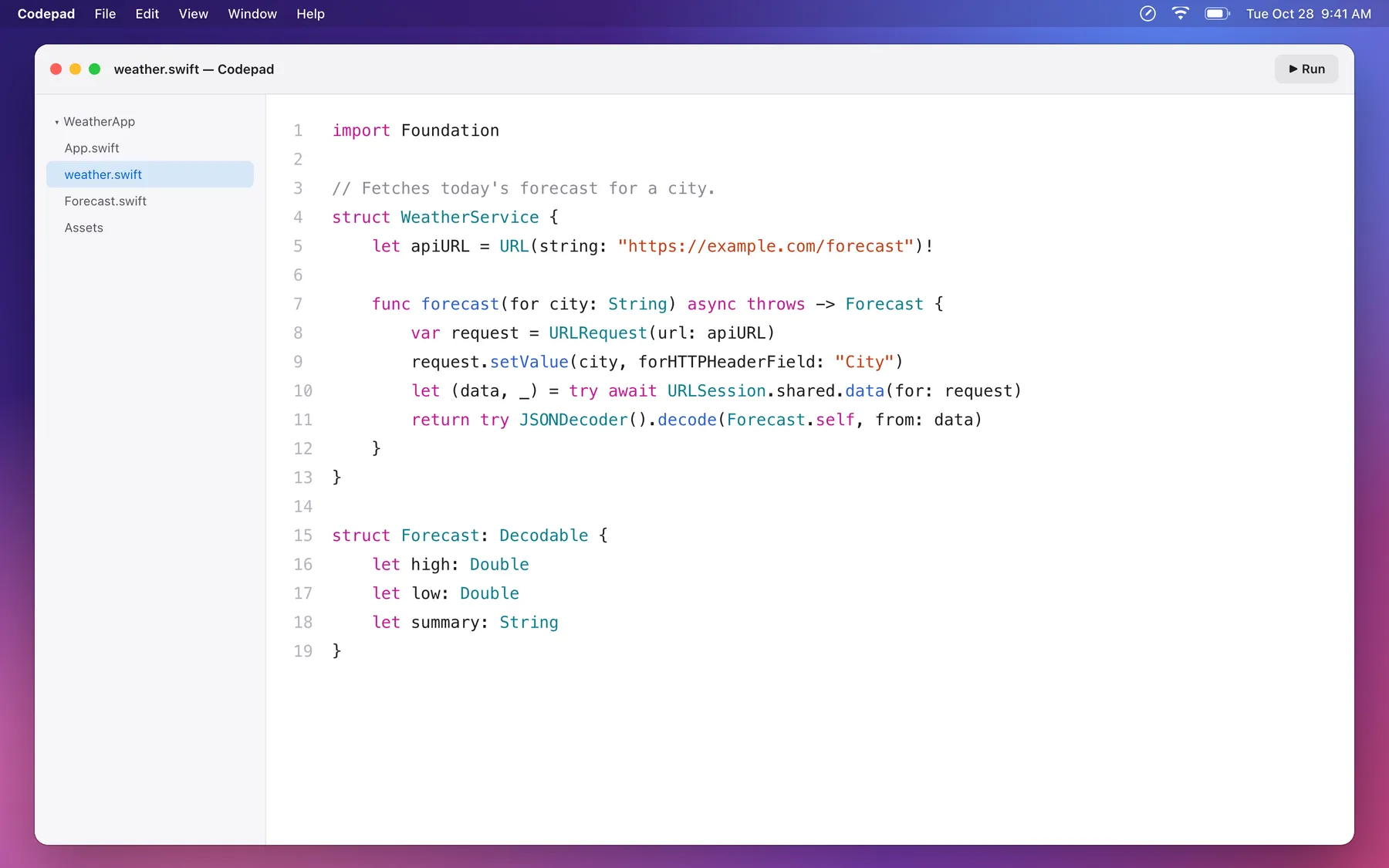
Keystrokes
Every shortcut, on screen.
The keys you press appear as you press them, with repeat counts. "Shortcuts only" mode never shows plain typing, so passwords stay off camera.
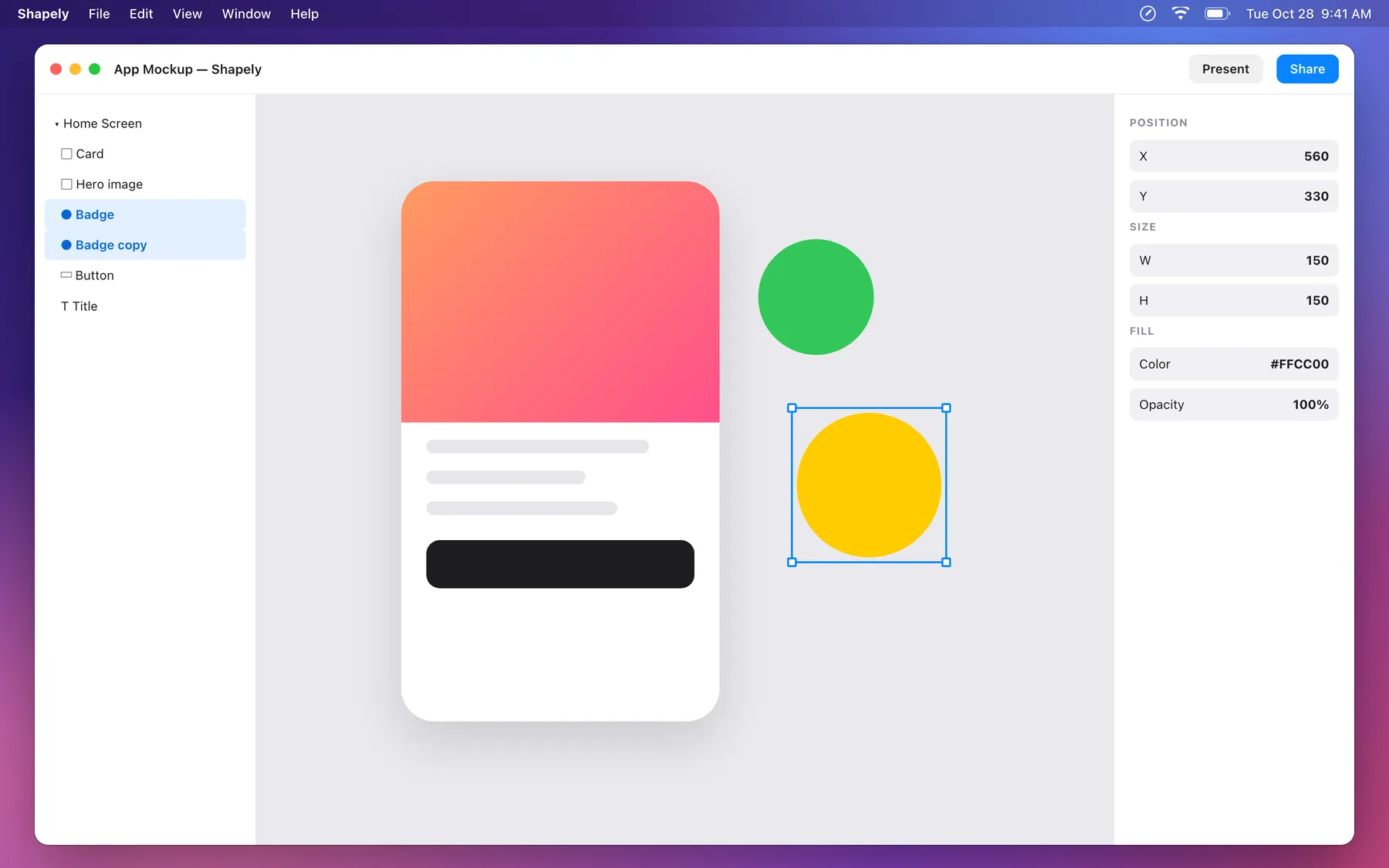
Whiteboard
A whiteboard, one click away.
Cover the screen with a white or black board to sketch the big picture, then go straight back to your app. Boards are saved for next time.
AI
Your AI assistant can draw, too.
OnDraw has a built-in MCP server. Ask Claude Code, Claude Desktop or any MCP app to point at a button, number the steps or add a caption while you keep talking.
It only controls OnDraw's drawings. It can't see your screen, read your keys or click anything, and the connection never leaves your Mac.
$ claude mcp add --scope user ondraw -- /Applications/OnDraw.app/Contents/MacOS/OnDraw --mcp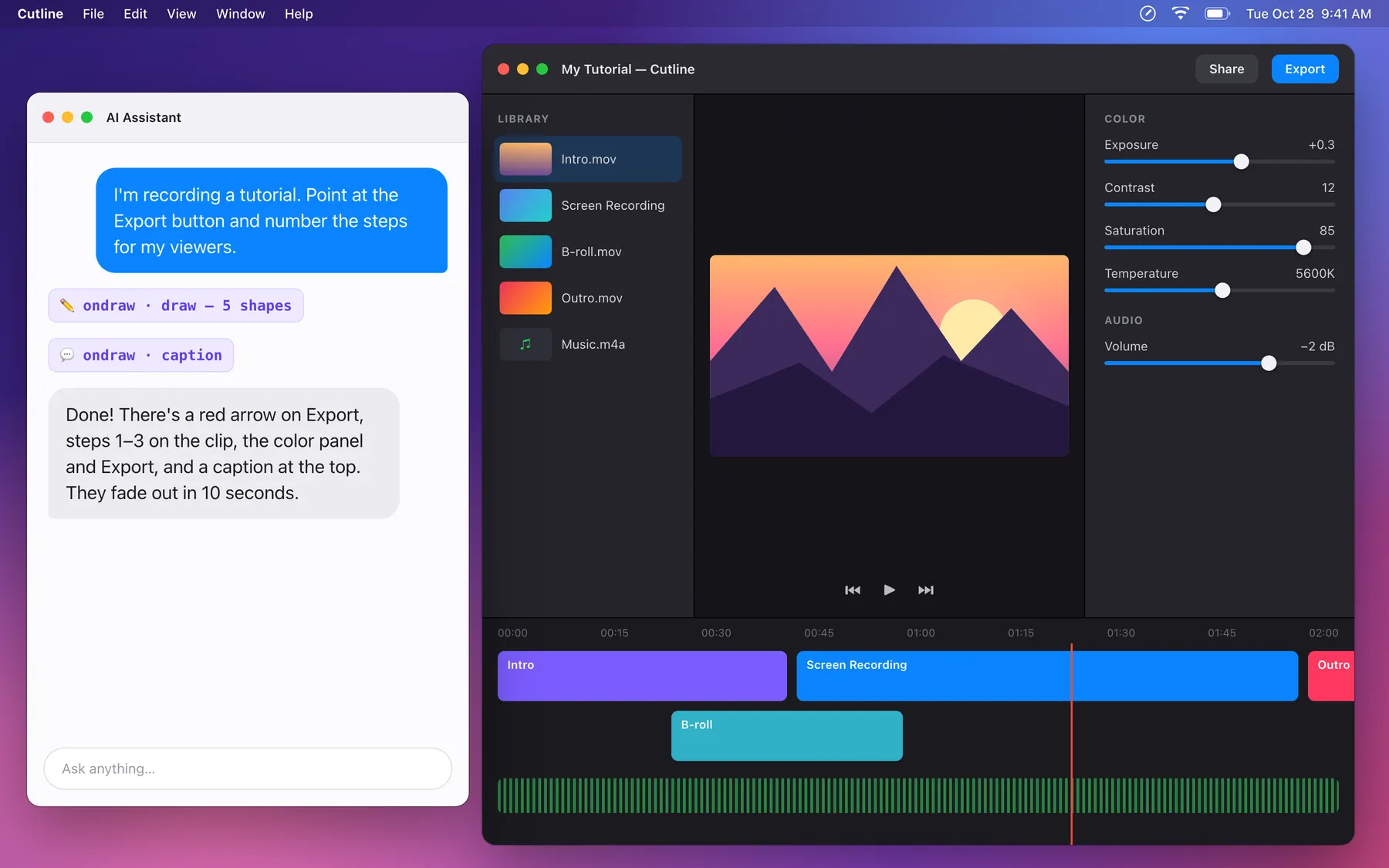
Thoughtful details.
The small things that make every take go smoother.
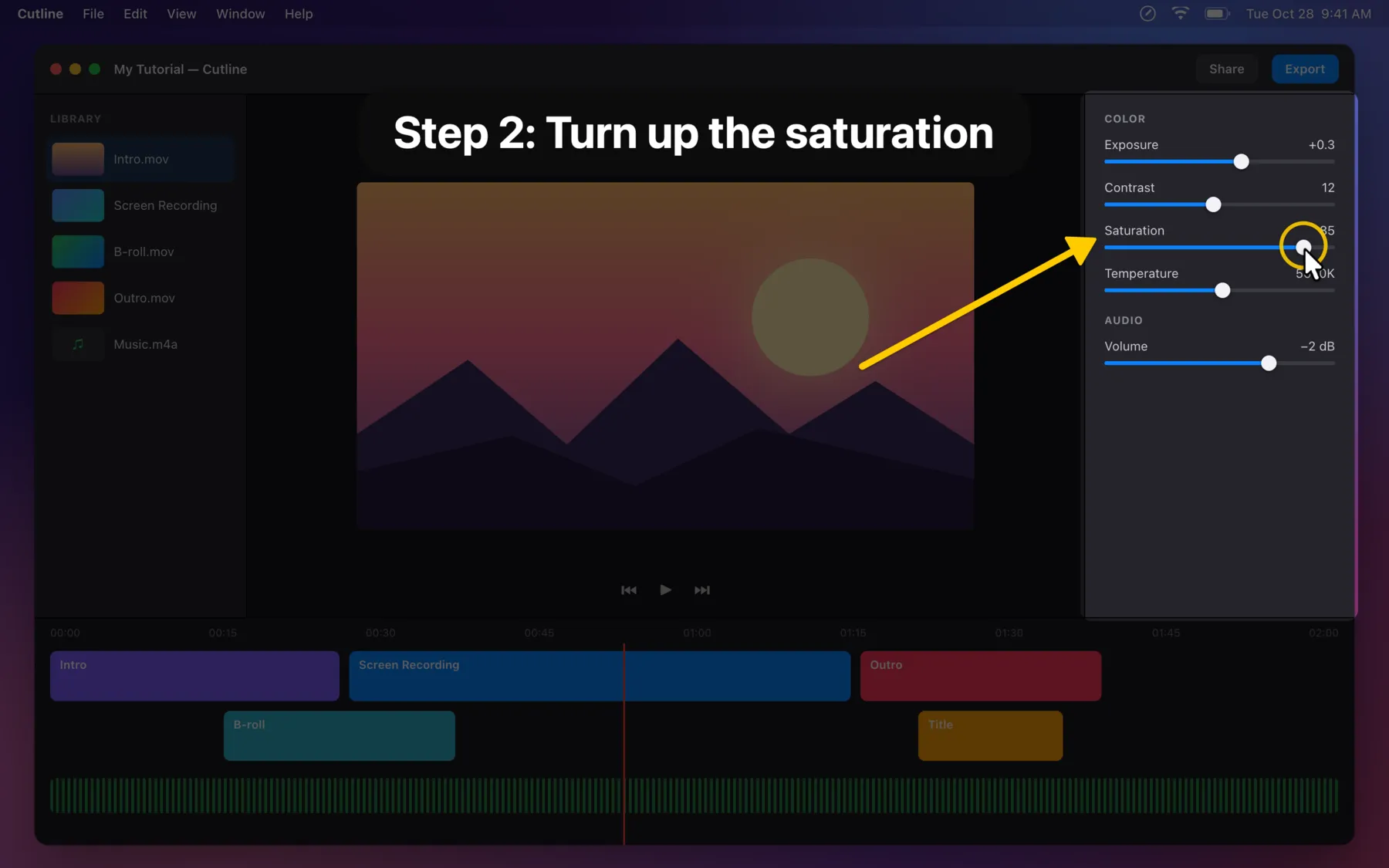
Focus and captions
Dim everything except one panel and add a big title like "Step 2: Turn up the saturation".
Invisible ink
Turn on Fade and drawings disappear a moment after you make them. Nothing to clean up between takes.
Tap or hold
Tap a hotkey to stay in a mode, or hold it to draw only while it's down.
One-click colors
Six colors and four sizes, right on the toolbar.
Out of your way
It lives in the menu bar with no Dock icon. Press / to hide the toolbar any time.
Every display
Works on all your screens, in every Space and over full-screen apps.
Break timer
A large, clear countdown for breaks in streams and classes.
Any recorder
QuickTime Player, OBS and video calls capture OnDraw like anything else on screen.
Privacy
Nothing leaves your Mac.
No account
Open it and draw. There's nothing to sign up for.
No tracking
No analytics, no ads and no internet connection at all.
No screen recording
OnDraw only draws on top, so it never asks to see your screen.
One-time purchase. Yours to keep.
- Every feature
- Free updates
- No subscription and no in-app purchases
- Apple silicon and Intel Macs
Requires macOS 14 Sonoma or later.
Questions
Does OnDraw record my screen?
No. Keep using the recorder you like, such as QuickTime Player, OBS or your video call app. They capture OnDraw's drawings like anything else on screen.
Where is OnDraw after I open it?
In the menu bar at the top right of your screen: the pencil-in-a-circle icon. It has no Dock icon, so it stays out of your recordings.
Can I still use my app while drawings are on screen?
Yes. Click Pointer on the toolbar and your drawings stay put while you click and type in your app as usual.
Which permissions does it need?
Only the keystroke display needs one, Input Monitoring, which macOS asks for the first time you turn it on. Drawing, highlights and hotkeys need nothing.
Which Macs does it run on?
Any Mac with macOS 14 Sonoma or later, Apple silicon or Intel.
Is it a subscription?
No. You pay once on the Mac App Store and updates are free.